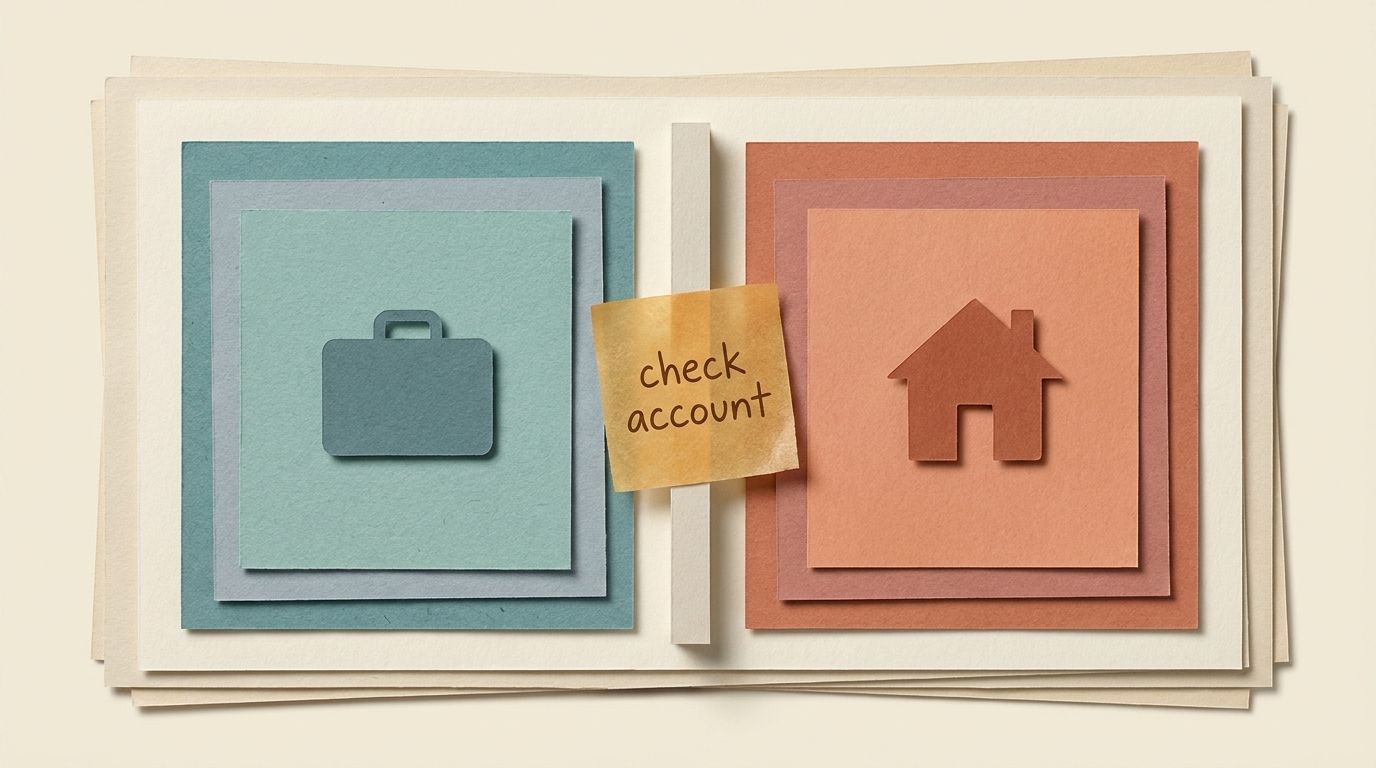
Before pasting a client email or attaching a work file in Copilot, check the active account. The updated app can hold both work and personal accounts, so recognising the icon is not enough to tell you where the information is going.
Microsoft says work and personal accounts remain separate, with your organisation’s controls applying to the work or school account. That does not prevent someone from pasting work material into a personal chat.
This guide follows Microsoft’s documentation, checked on 9 September 2026.
Check the account before adding work material
Open the account switcher and read the active account. Confirm that it is the work or school identity approved for the material you are about to use. Check the actual account, even if the app looks familiar.
Switch accounts before pasting text or uploading a file. Then check again. Moving to the right account afterwards does not remove information already entered into the wrong one.
A background colour or other visual cue can be a useful reminder, but it cannot replace reading the account. Themes and app versions may look different.
Keep a direct route to work Copilot
Bookmark copilot.cloud.microsoft for work access on the web. Check which account opens there too: a bookmark takes you to a service, but the signed-in identity still needs checking.
On managed devices, use the version and sign-in method your organisation provides. If you cannot find the expected work account, ask IT before adding company material.
When the new app reaches you
Microsoft’s deployment guidance says broad rollout to commercial customers begins in September. Your organisation controls deployment on managed devices, so there is no single changeover day to assume.
The account check is useful on the current app as well. You do not need to wait for a new icon.
If you paste into the wrong account
Stop adding material. Record what you entered and follow your organisation’s process for reporting an accidental disclosure. Deleting a chat should not be treated as proof that the information has been recalled.
Other changes to the app
Microsoft also describes mobile updates, file moves to OneDrive and retiring consumer features in its Copilot app update notes. Check those if they affect how you use the app.
For the same account choice in ChatGPT, see Connect a second Google account to ChatGPT without mixing work and home.